The best alternatives to InDesign can provide robust desktop publishing capabilities without requiring an Adobe subscription. Many of these options not only deliver similar features but also offer potential cost savings. While InDesign can be tested through a 7-day free trial, rising subscription prices have led many users to explore these competitive alternatives. Below, we explore six of the top options available today, some with a one-time purchase model and others free of charge.
Affinity Publisher: The Premier Choice
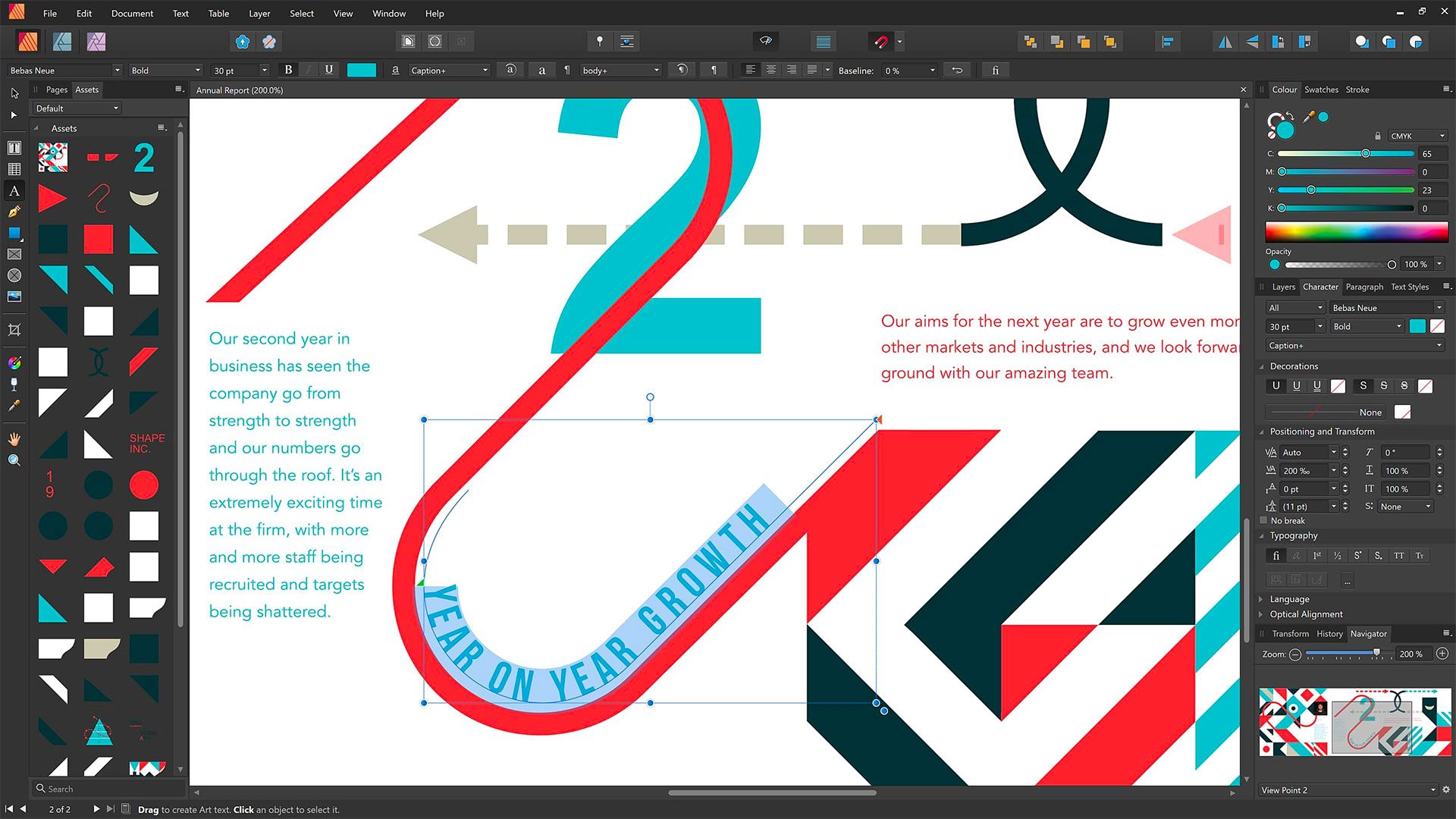
Affinity Publisher stands out as an exceptional InDesign alternative. Recently acquired by Canva in 2024, it boasts a one-off fee of approximately £47.99 and is compatible with Windows, Mac, and iPad (note: it does not support Linux). This software provides a user-friendly interface and comprehensive tools for both print and digital media, including support for InDesign file imports and preflight checking for document errors. Its interoperability with other Affinity apps like Designer and Photo enhances its value for professionals.
Scribus: The Top Free Option
Scribus offers a powerful, free, open-source alternative ideal for indie publishers. While it supports multiple operating systems including Windows, Mac, and Linux, it does have limitations in terms of importing files from InDesign or QuarkXPress. However, its solid feature set includes support for OpenType, CMYK colors, and versatile PDF creation. Users can benefit from an active support community, making it a viable choice for budget-conscious designers.
VivaDesigner: A Comprehensive Solution
VivaDesigner is a feature-rich alternative available as both desktop and browser versions. Priced at approximately $99.99, this application supports all operating systems and allows for easy Adobe file imports. With a user-friendly interface and powerful features like AI-driven text translation, it caters to both professionals and those needing a robust publishing tool.
QuarkXPress: A Longstanding Player
QuarkXPress remains a popular choice among seasoned professionals, retaining its relevance since its debut in 1987. This software features a one-off pricing model, though it is considered on the pricey side, often appealing to users familiar with its longstanding capabilities. Capable of handling everything from magazines to mobile app designs, it also allows for importing InDesign files, making it a strong contender in the desktop publishing space.
Swift Publisher: Budget-Friendly for Mac Users
Swift Publisher caters specifically to Mac users seeking a budget-friendly solution with an array of templates for various projects. Priced around $19.99, it provides essential desktop publishing features, although not as advanced as others on this list. Its ease of use and extensive template library make it a solid choice for quick, professional layouts, especially for beginners.
Marq: The User-Friendly Online Tool
Marq distinguishes itself as a browser-based publishing tool designed for simplicity. Its freemium model offers a limited free version, while the subscription option provides a more extensive feature set. With an intuitive drag-and-drop interface and a wide range of pre-made templates, Marq is perfect for those new to desktop publishing, enabling quick design creation without the need for software downloads.
In summary, these alternatives to InDesign cater to different budgets and design needs, making them worth exploring for anyone in search of desktop publishing solutions. Whether you’re a professional designer or an indie publisher, there is a suitable option available to meet your project’s specific requirements.