Ring’s Controversial Search Party Feature Sparks Concerns Over Privacy and Surveillance
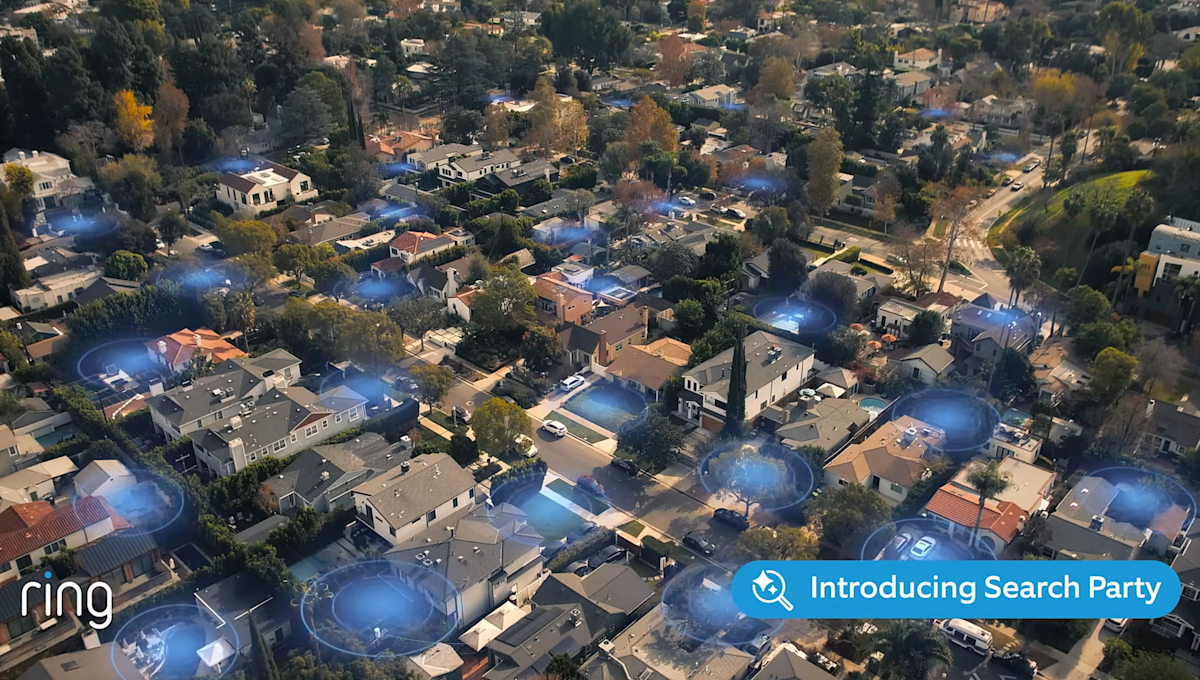
Ring’s latest commercial, aired during the Super Bowl, aimed to generate excitement for its Search Party feature but instead raised alarms about potential privacy invasion. Marketed as a means to help locate lost pets, the feature transforms individual Ring devices into a collective surveillance system. It employs artificial intelligence to recognize pets within the camera’s range and pools video feeds to assist in identifying missing animals. Critics worry about the slippery slope this creates, as the technology could easily be adapted for tracking individuals.
Search Party, first introduced last year, claims to have successfully helped recover 99 lost dogs within its initial 90 days of operation, according to Amazon CEO Andy Jassy. With approximately ten million pets reported missing annually in the United States, the feature’s modest success rate of around 0.005% raises eyebrows. Many users are hesitant to support a surveillance model for the sake of a service that appears to offer limited effectiveness.
To address privacy concerns, many Ring users are eager to disable this feature, which is activated by default. The process is straightforward:
– Open the Ring app
– Tap the menu in the top-left corner
– Select “Control Center”
– Tap “Search Party”
– Toggle settings to disable both “Search for Lost Pets” and “Natural Hazards”
Repeat these steps for each camera linked to your account.
Further, confusion persists regarding the data shared with law enforcement. For added privacy, users can delete saved videos by selecting the “History” icon and choosing “Delete All.” By taking these precautions, users can enjoy the benefits of Ring’s technology while minimizing privacy risks.